Best for
New profile photo drafts
Useful when you need a fresh profile-photo starting point instead of fixing an existing image.
AI Profile Photo Generator
EditLuma helps you turn a short direction into a usable profile-photo draft, then keep the best version for cleanup, retouching, and final export.
Best when you need a fresh starting point, not just a cleanup pass.
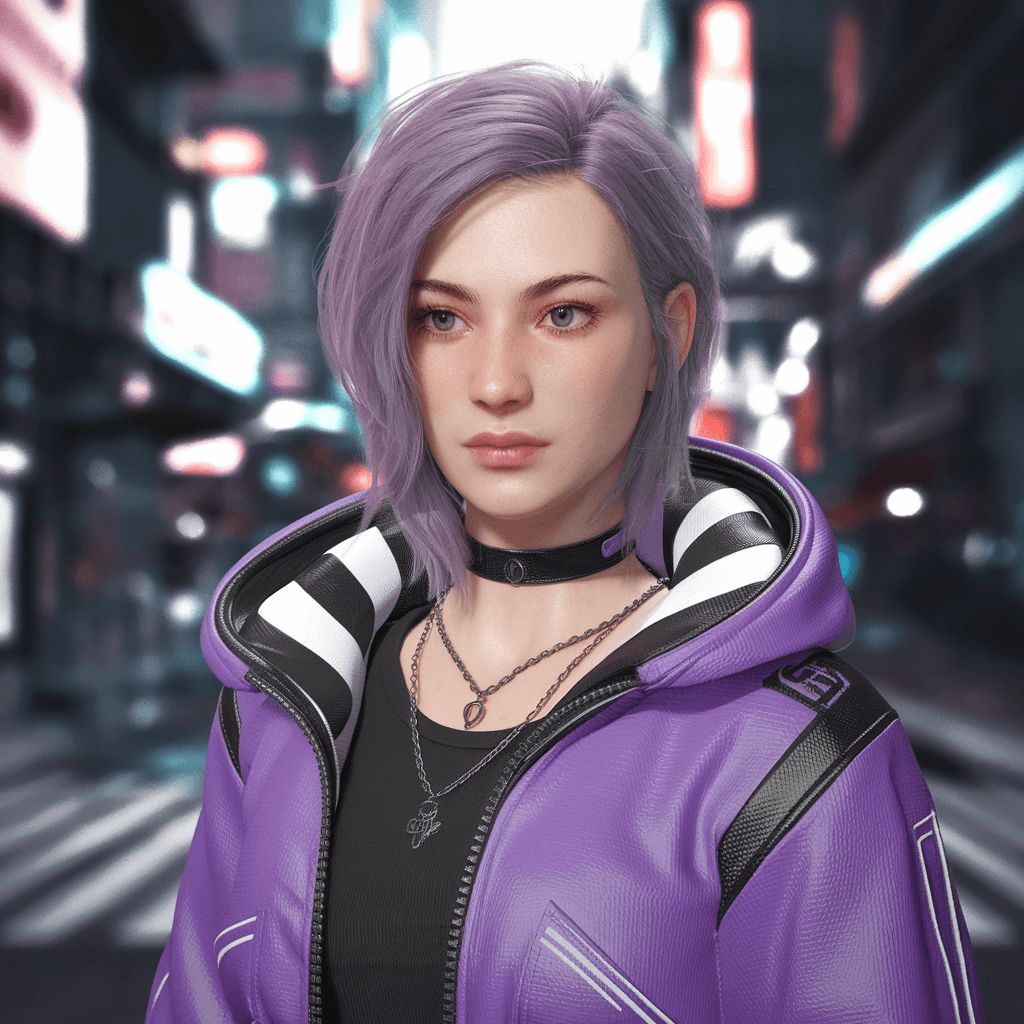
Best when you need a fast starting point for LinkedIn, CV, founder, or creator profile photos.
Best for
New profile photo drafts
Useful when you need a fresh profile-photo starting point instead of fixing an existing image.
Output style
Believable headshot directions
Generate a few credible profile-photo candidates, then keep the one worth polishing.
Workflow fit
Generate -> choose -> polish
Keep the winning draft inside EditLuma for enhancement, retouching, and final export.
Why this workflow
This page is strongest when the visitor needs a new profile photo direction fast. The goal is not endless concept art, but a believable draft that can become a real public-facing headshot.
Start from a fresh profile-photo concept
Generate a new profile-photo direction when the current selfie or headshot is too weak to save.
Compare believable options quickly
Try different first-impression directions before choosing the one that feels right for public use.
Polish the strongest draft inside the same product
Move the winning candidate into portrait cleanup or photo enhancement without restarting somewhere else.
Match role-specific profile needs
Generate a first draft for job seeking, founder bios, creator pages, or team profiles, then refine around that use case.
How it works
A short prompt with role, first impression, and photo style is usually enough. Start simple, review a few believable candidates, and polish the best one.
Describe the role and first impression
Start with the use case, such as LinkedIn, CV, founder bio, or creator profile, then add lighting and presentation notes.
Pick the most believable draft
Review a few generated candidates and keep the one that looks the most credible and closest to public use.
Refine for final profile use
Use portrait cleanup or photo enhancement if the selected draft needs better skin detail, sharper clarity, or more polish.
Use cases
These are the situations where visitors need a new profile-photo direction, not just a generic AI image.
Job seekers who need a new headshot fast
Generate a cleaner first draft for LinkedIn, resumes, CVs, and job application profiles.
Founders and operators updating public bios
Create a more intentional first draft for founder pages, personal sites, newsletters, and investor-facing intros.
Creators and freelancers refreshing their profile image
Explore profile-photo directions that still feel personal but read as more polished and intentional.
Teams testing a new public-photo style
Use first-draft directions to explore a cleaner profile-photo standard before batch cleanup work starts.
FAQ
Search visitors mostly want to know whether this is a realistic starting point for a public-facing profile photo. Keep expectations simple and judge the best draft, not the first weak one.
Keep it short. Include the role, the kind of profile you need, and the first impression you want. For example: LinkedIn headshot, cleaner light, natural skin detail, business-ready finish.
Use this page when the current photo is too weak or too casual to save. If you already have a usable source image, the profile-photo or portrait enhancement pages are usually the better fit.
Keep the strongest candidate and move it into portrait cleanup or photo enhancement. That is usually faster than regenerating everything from zero.
No. It also works for CVs, founder pages, speaker bios, creator profiles, and team directories. LinkedIn is simply the clearest example of the use case.
Related workflows
This page captures visitors who want a new profile-photo starting point. Once the visitor has a draft, the next useful page is usually cleanup or pricing.
LinkedIn Headshot AI
Move here when the visitor wants the strongest profile-photo positioning and portrait-specific cleanup.
Explore page
AI Profile Photo Enhancer
Use this when the visitor already has a photo and mainly needs clarity, light, or detail repair.
Explore page
Credit Pricing
Review credit packages before generating multiple drafts or polishing several headshot candidates.
Explore page
Profile photo workflow
If you need a new profile photo direction, begin with a short prompt, review a few believable candidates, and keep the one worth polishing.
Best when you need a fresh starting point, not just a cleanup pass.